Editor's Review
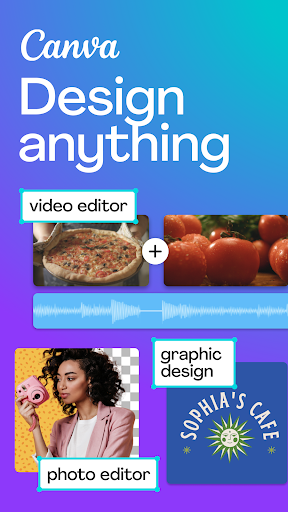
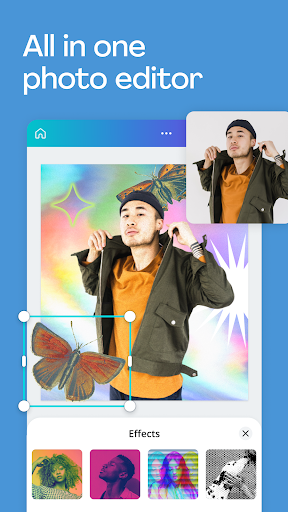
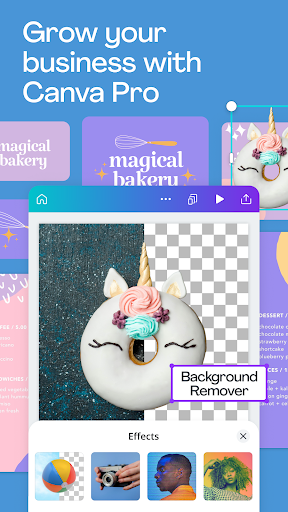
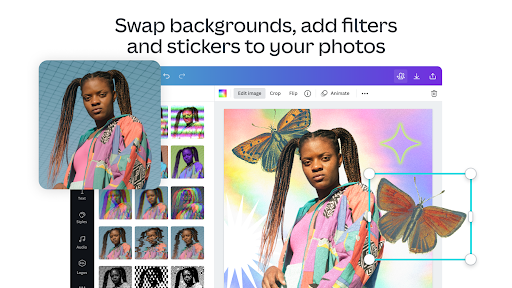
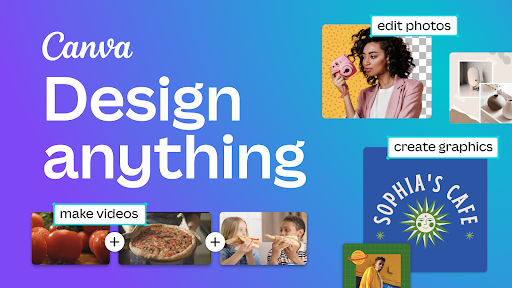
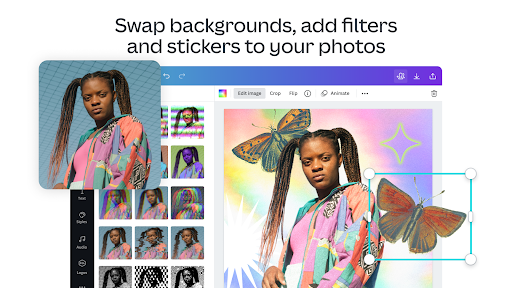
The Canva: Design, Photo & Video app is an all-in-one content creation platform that allows users to create stunning visuals effortlessly. Whether you need to design social media posts, engaging presentations, or eye-catching flyers, the app provides a host of customizable templates that cater to all your creative needs. With the added advantage of AI-powered tools, users can easily edit photos, create videos, and collaborate in real-time. As a free and secure option for both Android and iOS devices, downloading the Canva: Design, Photo & Video app is a smart choice for anyone looking to enhance their design skills. 🎨
Features
1. The app offers thousands of customizable templates ranging from social media graphics to business presentations, making it versatile for different occasions.
2. The AI art generator allows users to create unique images from text, pushing creative boundaries while simplifying the design process.
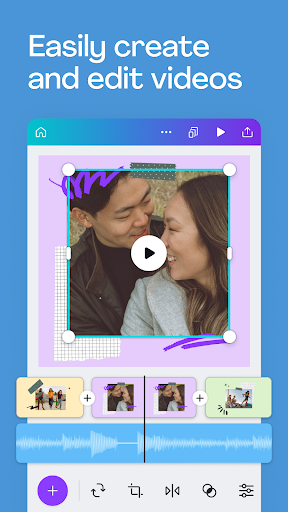
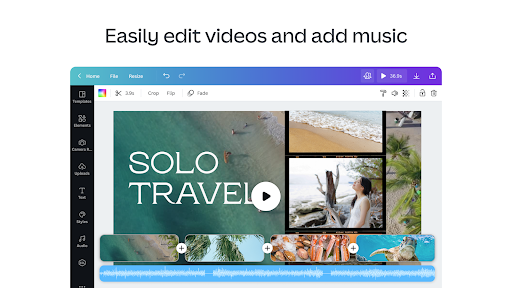
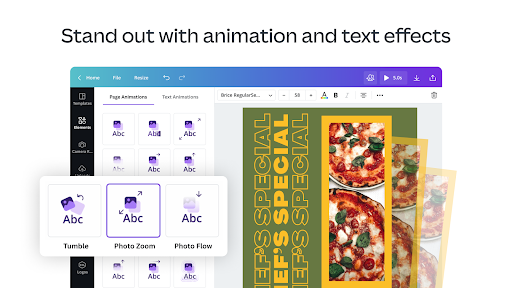
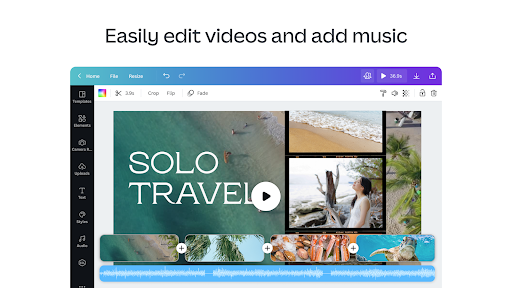
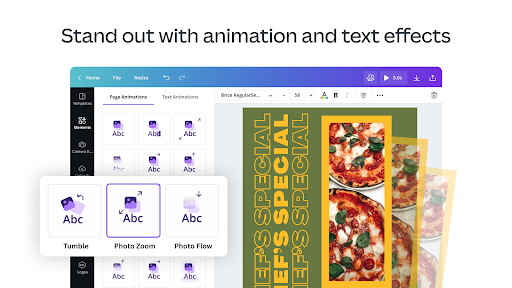
3. It includes a powerful video editor that supports functions such as cropping, resizing, and even one-tap animations for dynamic content creation.
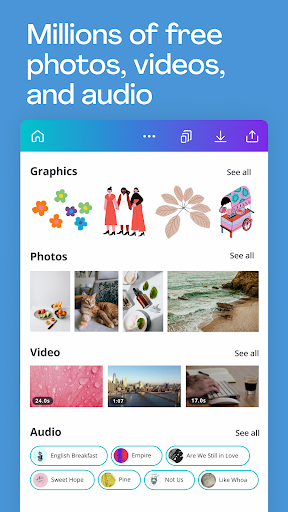
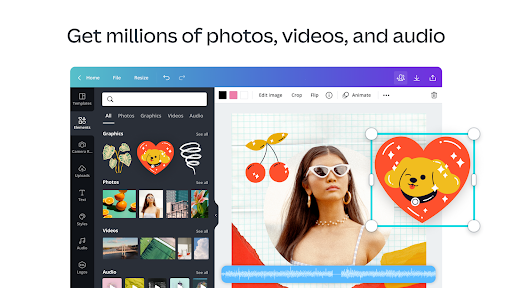
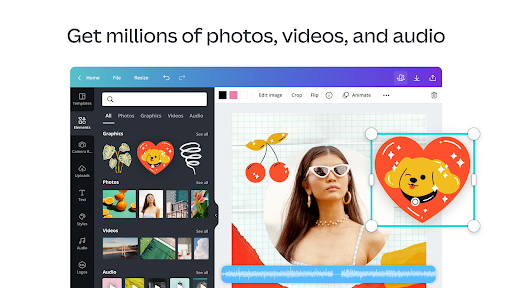
4. Canva provides over 2 million royalty-free photos and 25K+ pre-licensed audio tracks, ensuring users have rich resources to work with.
5. Collaboration features and cloud storage enable teams to work together seamlessly, making the design process even more efficient. 📊
Pros
1. The user-friendly interface makes it easy for beginners and experts alike to navigate and create stunning content.
2. Availability across platforms like Android and iOS allows users to design on the go, enhancing flexibility.
3. With its vast library of templates, images, and fonts, users can create professional-grade graphics without prior design experience.
4. The ability to export and share designs directly on various social media platforms simplifies the publishing process. 👍
Cons
1. While the basic version is free, some advanced features and assets are locked behind a paid subscription, which may not suit all users.
2. Users may experience occasional bugs or crashes, especially in older versions of the app. 🔧