Editor's Review
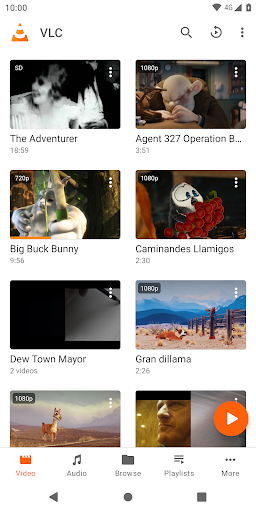
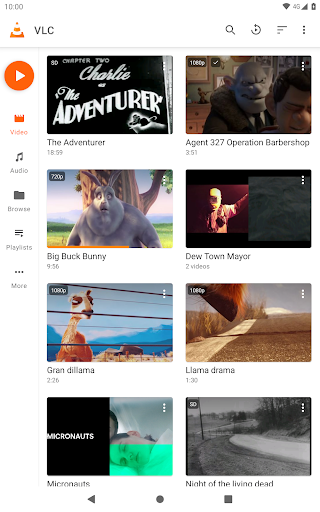
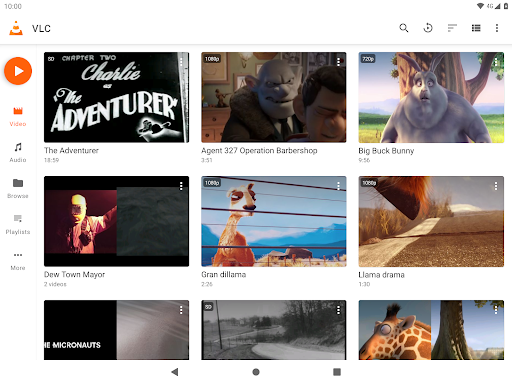
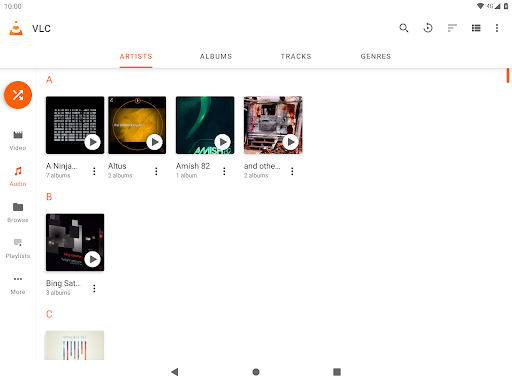
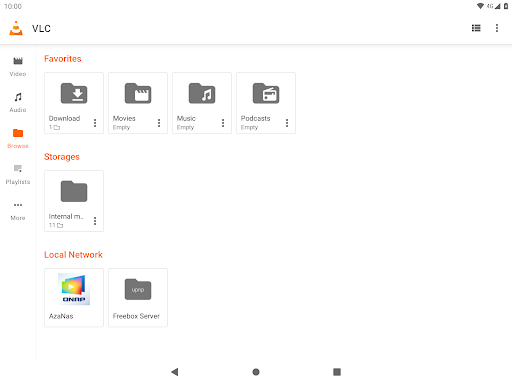
The VLC for Android app is an exceptional multimedia player that brings the powerful features of its desktop counterpart to mobile devices. This free and secure app allows users to play a wide variety of audio and video formats without the hassle of ads or in-app purchases. With its intuitive interface, users can easily navigate through their media libraries, making it a popular choice for both casual viewers and avid media enthusiasts alike. Whether you're looking to download the VLC for Android app for your phone or to stream content from network sources, this app ensures a versatile and enjoyable experience. 📱✨
Features
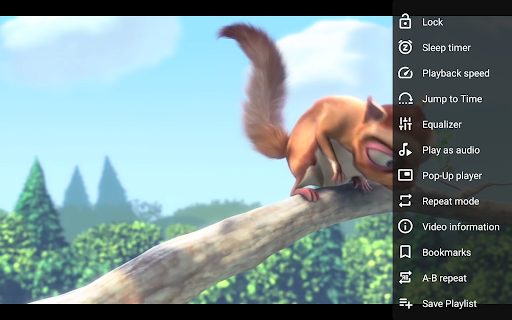
1. The VLC for Android app supports a comprehensive range of media formats, including MKV, MP4, AVI, and more, allowing seamless playback of both local files and network streams.
2. Users can enjoy multi-track audio and subtitle support, making it easier to customize their viewing experience with different audio channels and subtitle options.
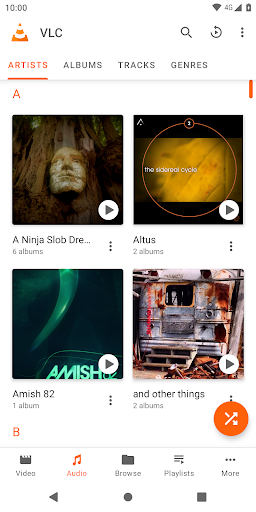
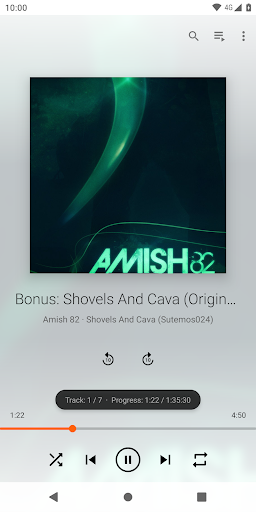
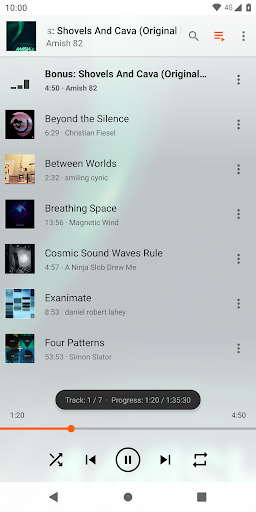
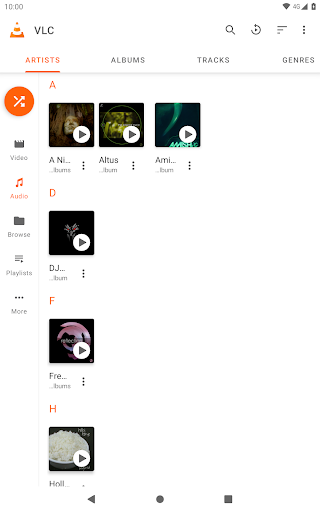
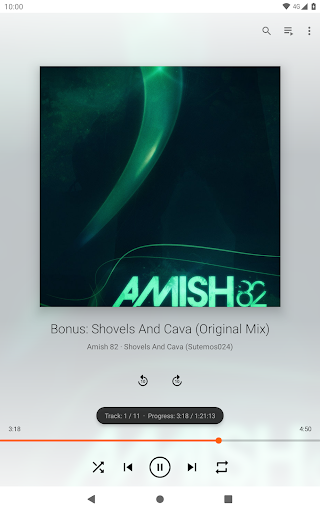
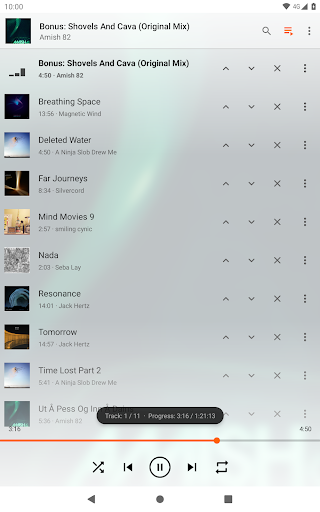
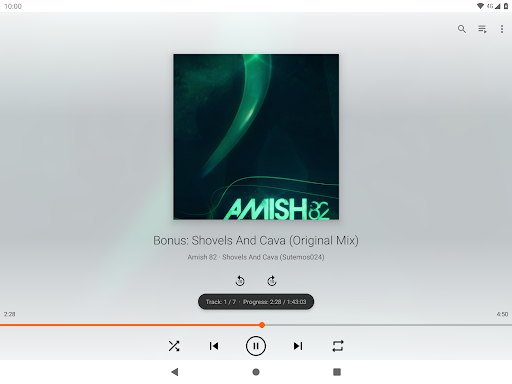
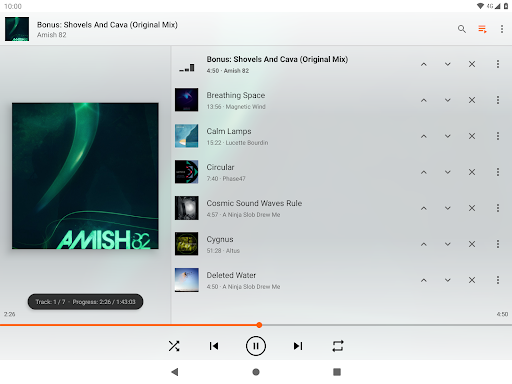
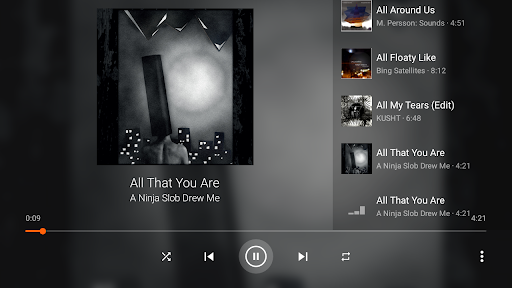
3. The app offers a full audio player with a robust media library, equalizer, and filters catering to audiophiles and casual listeners alike.
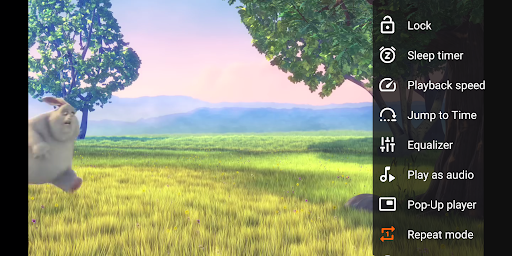
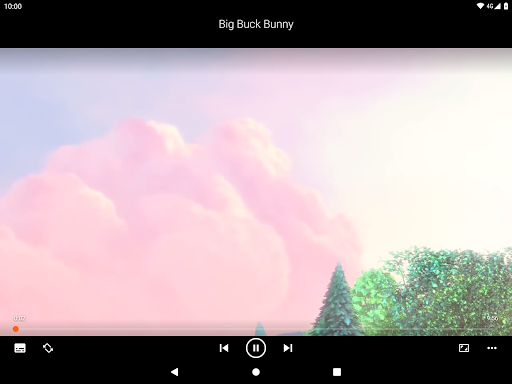
4. Built-in controls for brightness, volume, and playback gestures enhance user interaction, enabling smooth navigation while watching videos or listening to music.
5. The VLC for Android app is designed for security, as it does not track user data and is completely free to use, promoting user privacy. 🔒🎶
Pros
1. The VLC for Android app is completely free, providing users with extensive features without the intrusion of ads or in-app purchases.
2. It supports a wide variety of media codecs, meaning users can play nearly any multimedia file format without additional downloads.
3. The app is open-source, ensuring transparency in terms of security and performance, which is appealing for users concerned about privacy.
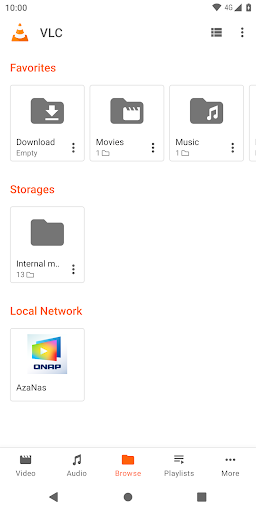
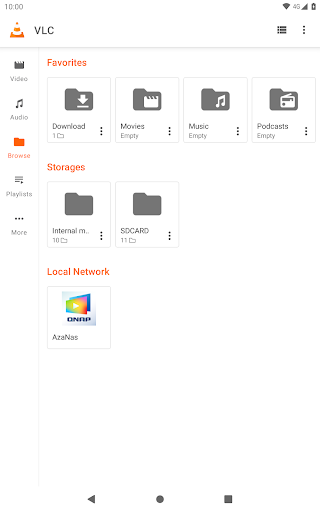
4. With its intuitive interface, users can easily access their media files and network streams, making it a user-friendly choice for all age groups.
5. The ability to control playback with gestures and external audio controls enhances the overall usability and convenience of the VLC for Android app. 👍🎉
Cons
1. Some users may find that, despite its versatility, the VLC for Android app might have a steeper learning curve compared to other simpler media player applications available for Android. 🤔
2. While the app is comprehensive, its robust feature set might feel overwhelming for users who require basic playback functions for video and music. 📉