Editor's Review
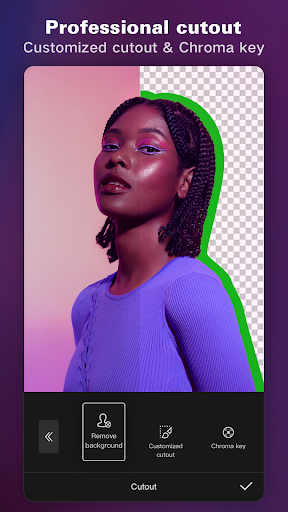
The CapCut - Video Editor app is a comprehensive and user-friendly video editing solution that allows both beginners and experienced editors to create compelling videos with ease. With an impressive array of features including auto captions, text-to-speech, and advanced editing tools like chroma key and keyframe animation, users can bring their creativity to life. Available for both Android and iOS, the CapCut - Video Editor app caters to various social media platforms, making it convenient for users looking to share their clips on TikTok, YouTube, and more. Best of all, it’s free to download and use, providing high-quality editing without any cost. 🎥✨
Features
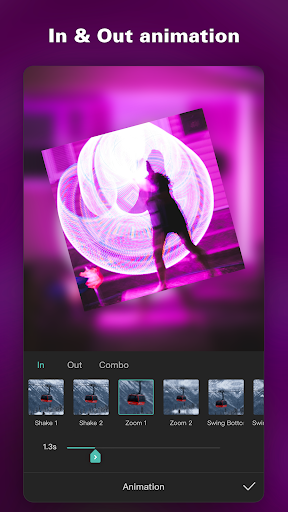
1. Basic and Advanced Video Editing: The CapCut - Video Editor app offers tools for trimming, merging, and animating video clips. Advanced features like keyframe animation and smooth slow-motion allow precise control over video edits.
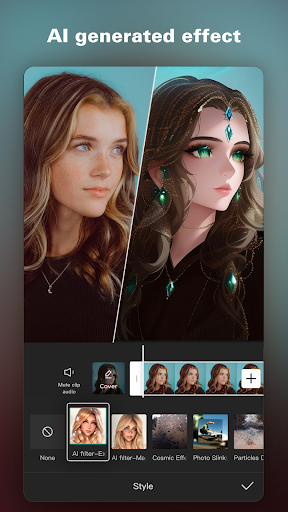
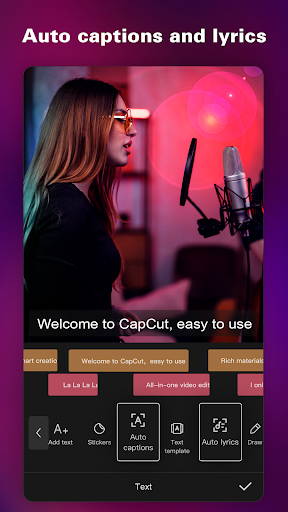
2. Intelligent Features: With auto captions and text-to-speech options, the CapCut - Video Editor app enables effortless subtitle generation and audio narration, supporting multiple languages.
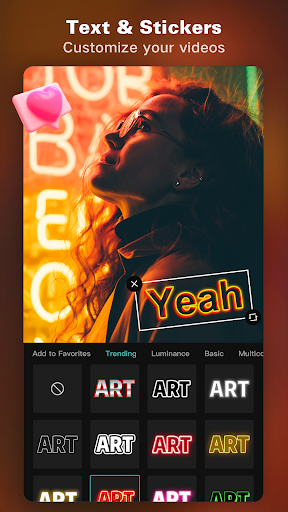
3. Text & Stickers: Users can add custom text with various fonts and styles to enhance their videos. Background removal capabilities further add to its rich feature set, allowing for more creative possibilities.
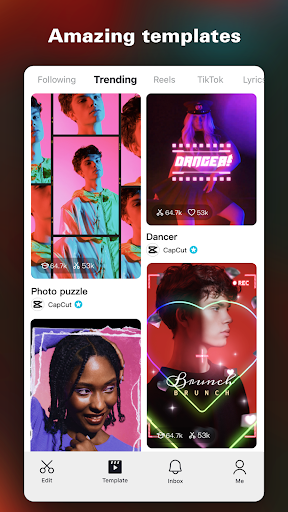
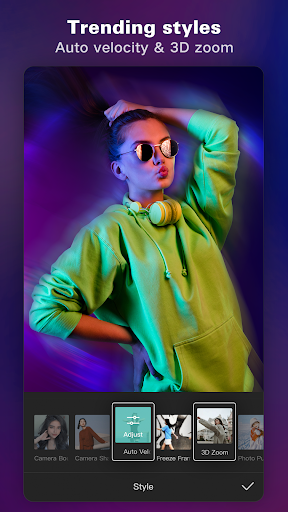
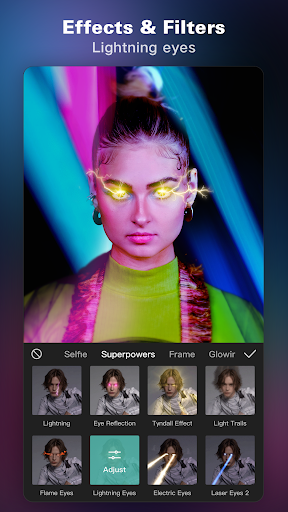
4. Trending Effects & Filters: The app regularly updates its library with trending effects, allowing users to elevate their video aesthetics with minimal effort.
5. Easy Sharing: The CapCut - Video Editor app supports high-definition video exports and simple sharing options, ensuring users can easily showcase their work across social media platforms. 🌟🚀
Pros
1. User-Friendly Interface: The CapCut - Video Editor app is designed to be intuitive, making it accessible for users of varying skill levels, from novices to professionals.
2. Versatile Editing Tools: With features such as slow-motion effects and advanced video stabilization, users can achieve professional-grade edits without needing extensive technical knowledge.
3. Rich Effects and Filters: The app continuously updates its catalog of effects and filters, allowing users to keep their videos fresh and aligned with current trends.
4. Free to Use: Users can complete high-quality edits at no cost, which is a significant advantage compared to many other editing software options.
5. Multi-Platform Compatibility: Whether on Android or iOS, the CapCut - Video Editor app functions seamlessly across devices, enabling editing flexibility. 👍🎉
Cons
1. Limited Advanced Features: While the CapCut - Video Editor app offers a wide range of tools, some advanced users might find it lacks in higher-level features present in professional-grade software.
2. Internet Connectivity Required for Some Features: Certain functions, like downloading new effects and filters, require an internet connection, which may not always be convenient for users on-the-go. 🌐⚠️